Personalize Your E-Initial: The Monogram Letter E Invitation
A Modern Take on Classic Elegance
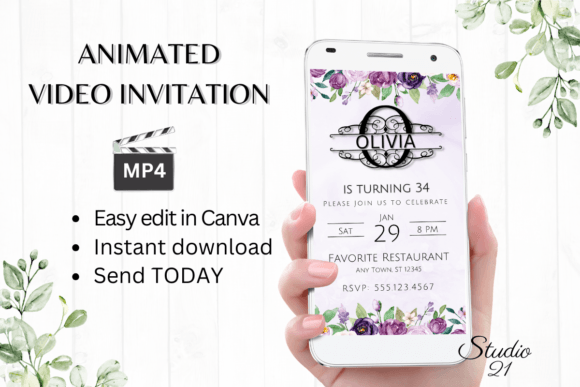
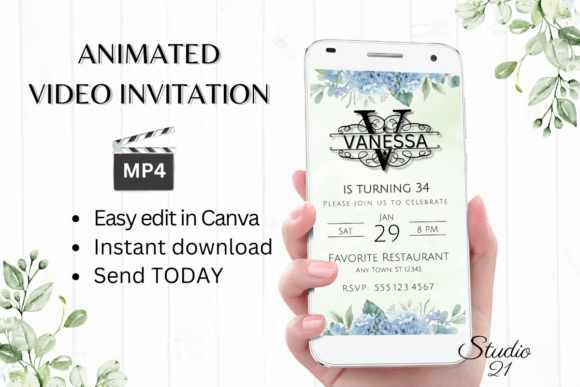
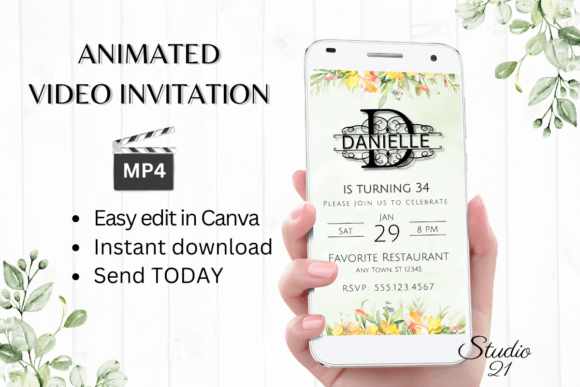
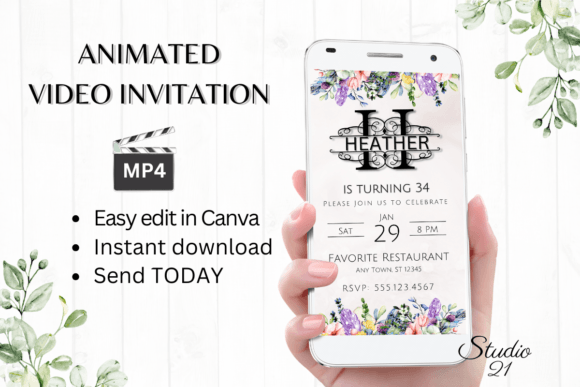
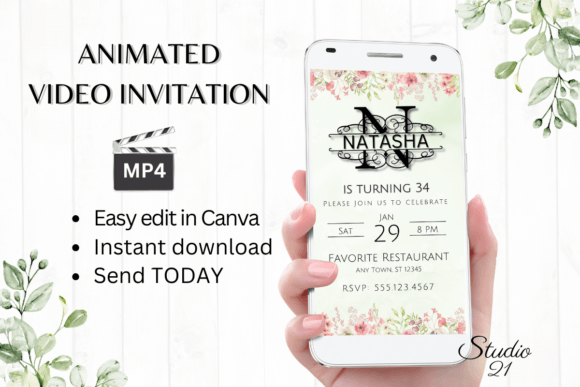
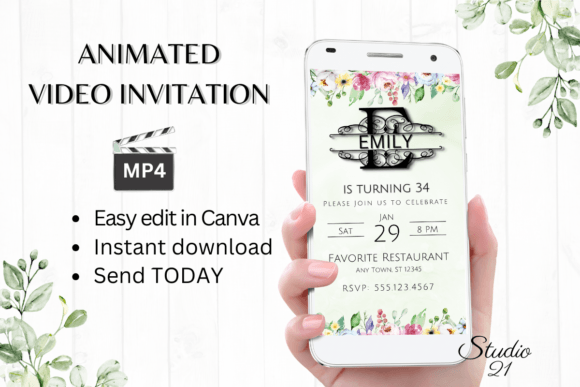
When it comes to marking a milestone, the details matter. The Birthday Invitation (Monogram Letter E) template is designed to bridge the gap between sophisticated graphic design and user-friendly functionality. Visually, this template leans into the "monogram" aesthetic, utilizing the letter "E" as a central, anchoring design element. It isn't just a text overlay; it is a carefully composed layout where typography acts as art. You can expect a style that balances high-end branding sensibilities with the warmth of a personal celebration. Depending on the specific color palette you choose in Canva, it can feel luxurious and moody or bright and whimsical. It avoids the clutter of stock-photo-heavy invitations, relying instead on clean lines, modern typography, and the strength of the initial to create a premium look that feels custom-designed.
The Power of the Animated Evite
We have moved past the era of static email attachments. In a world dominated by Instagram Stories and TikTok, a Digital Animated Video Invitation Template offers a distinct advantage. Motion captures attention in a way that a flat PDF simply cannot. The subtle shifts in animation guide the viewer's eye, creating a sense of rhythm and anticipation for the event. This particular template functions as a powerful piece of graphic design because it treats the invitation as a multimedia experience. Whether you are a marketer planning a corporate mixer or a crafter organizing a milestone birthday, the animation adds a layer of professionalism and excitement that static print design often misses.
Practical Editing for the Non-Designer
One of the biggest hurdles in graphic design is the technical barrier to entry. You don't need to master Adobe After Effects or Premiere Pro to use this template. By leveraging Canva, the Birthday Invitation (Monogram Letter E) becomes accessible to everyone. The workflow is streamlined: you receive a PDF with a direct link, and within minutes, you are in the editor.
Here is a breakdown of the customization capabilities:
- Typography Control: As a design asset, this template allows you to manipulate the font style, color, and size. If the original serif or sans-serif pairing doesn't fit your brand identity, swap it out. You can adjust text effects to add depth or shadows, ensuring the "E" monogram stands out exactly how you want it.
- Content Flexibility: You have full control to add or delete text. This is crucial for brand consistency. If you are a small business owner, you can add your logo, a specific dress code, or venue details without overcrowding the design.
- Device Agnostic: You are not tethered to a desktop. The template is responsive enough for basic edits on a smartphone, making it perfect for last-minute changes or on-the-go adjustments.
Strategic Applications: Beyond the Party
While the primary use case is a birthday celebration, the versatility of a monogram design extends into various professional realms. For entrepreneurs and brand strategists, a personalized animated video is an excellent tool for "Save the Date" corporate events or exclusive VIP launches. The monogram style implies exclusivity and attention to detail—key components of a strong brand identity.
Consider these scenarios:
- Editorial Design & Marketing: Use the template to create a teaser for a product launch. The animation makes it highly shareable on social media platforms, increasing organic reach compared to a static image.
- Personal Branding: For bloggers and content creators, consistency is king. Using a high-quality, animated invitation for a meet-and-greet or live stream event reinforces your aesthetic and shows you value quality design assets.
- Hybrid Events: Even if you are hosting an in-person event, sending a digital invite first allows you to gauge interest and manage RSVPs efficiently. The MP4 format is versatile enough to be embedded in a website or sent via direct message.
Technical Specifications and Workflow
Understanding the technical deliverables ensures a smooth design process. The template dimensions are set at 1080 x 1920 px, which is the standard vertical format for Stories and mobile screens. This aspect ratio ensures your invitation looks native when viewed on a phone, maximizing the visual impact of the display font and the monogram "E".
The final output is an MP4 file. This is a universally compatible video format that retains the animation and quality of the design. Unlike a GIF, which can suffer from color banding and larger file sizes, an MP4 provides a crisp, professional delivery. You can share this file via:
- Messaging apps (WhatsApp, Messenger, iMessage)
- Direct text messages (SMS)
- Email (as an attachment or via a cloud link)
Design Considerations for the "E" Monogram
When you begin editing, think about the relationship between the monogram and the supporting text. In modern typography, hierarchy is essential. The large "E" serves as the focal point, so your supporting details—time, date, location—should be set in a complementary style, such as a clean sans serif font or a subtle script font.
Color theory plays a role here as well. If the "E" is rendered in a metallic gold or silver effect, ensure your background and text colors provide sufficient contrast for readability. High contrast ensures that the information is accessible to all guests, regardless of their screen brightness or device quality.
Ultimately, the Birthday Invitation (Monogram Letter E) is more than just a digital note; it is a piece of creative font application mixed with motion design. It offers the polish of premium font usage with the accessibility of a drag-and-drop editor, making it a versatile tool for anyone looking to make a memorable impression.